Weekly plans
Preschool Weekly Plan in 5 Minutes
Writing a preschool weekly lesson plan in 5 minutes is realistic once the parts of your week that repeat are fixed and you only choose…
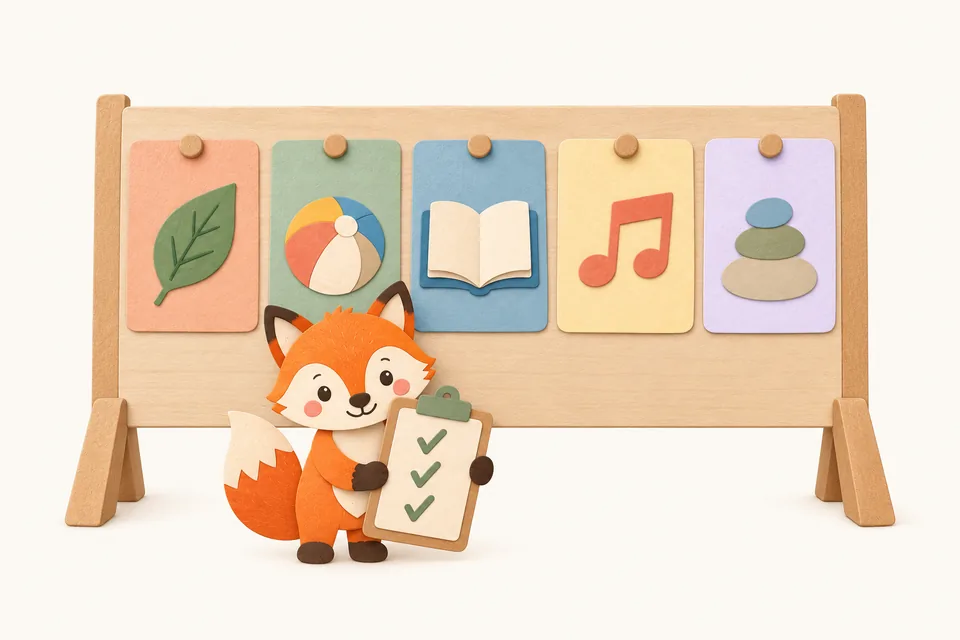
A weekly plan works best on one page. Put Monday through Friday across the top and your daily blocks down the side, then add space for the week's theme, one or two ELOF focus domains, an anchor book and song, a supply list, and notes for differentiation. Fill in the fixed routines first, then Circle Time and Learning Centers, and write the supply list last.
It's Sunday evening, the sticky notes are everywhere, and Monday is still blank. A preschool weekly lesson plan template gathers that pile onto one page you can read at a glance. Copy the layout below and fill it in, then adjust it for toddler, Pre-K, and mixed-age rooms.
A weekly page stays useful when it holds only what you decide on Sunday and glance at all week.
Put these above the grid:
Under the grid, add a notes box for differentiation and for children you want to observe. A checkbox for every ELOF domain in every cell looks thorough and gets ignored by Tuesday. One or two focus domains per week give you a target you will actually use. For help matching activities to domains, see mapping your lessons to Head Start ELOF domains.
Copy this grid into a Word file or a shared document, set the page to landscape, and rename the blocks to match your posted daily schedule. If your room has no posted schedule yet, start with printable preschool labels and a visual schedule. Make the day cells tall enough for handwriting if you plan to print.
| Block | Mon | Tue | Wed | Thu | Fri |
|---|---|---|---|---|---|
| Arrival and table toys | |||||
| Circle Time (greeting, song, book, movement) | |||||
| Learning Centers (what is open, what is new) | |||||
| Small group or one-on-one time | |||||
| Gross motor, outdoor, or active play | |||||
| Story, music, or quiet time | |||||
| Meals and rest (copy from your schedule) | |||||
| Closing circle and dismissal |
The first column holds prompts you can rename or delete. Drop blocks your program does not run, and split any row that mixes two jobs, such as small group time and Learning Centers. Aim for one printed side you can read from a few feet away.
Work from the parts that never change to the parts that change most.
Hunting for ideas is the slow part on Sunday. Keep one sheet titled “Ideas for next week” and drop sticky-note scraps there during the week. Our guide to writing your weekly lesson plan faster goes deeper, and turning preschool activities into lesson plans helps when you have ideas but no structure.
Treat Circle Time as a routine with one moving part. Keep the same skeleton every day (greeting, song, book, movement, goodbye) and change one piece at a time. Monday introduces the anchor book, Tuesday adds a fingerplay or a question about it, and Wednesday brings in a prop from a center. Write only the changing piece in the cell.
Learning Centers can eat up prep time. Leave core centers such as blocks, dramatic play, books, and art open all week, and rotate theme materials into one or two centers a day. Note only what is new in the cell. The guide on low-prep center rotations for a single teacher shows how to run this alone.
For the gross motor block, write where it happens, the surface and equipment you will use, and an indoor backup for rainy days. The HHS Physical Activity Guidelines for Americans say children ages 3 through 5 should be active throughout the day, with about 3 hours of activity of all intensities as a reasonable target, so add movement breaks and active transitions to other rows too. For an outdoor block that doubles as science, try a playground nature walk scavenger hunt. Walk the space for hazards before children go in, match the group size to the number of adults who can actually watch it, and check your state licensing rules for supervision requirements.
One grid can work for all four age groups when you change what you write in it.
Shape a mixed-age Circle Time around what your youngest children can manage, and give older children their challenge in small group or centers. Keep materials with small parts away from the youngest, and use them with older children only while an adult is right there.
A substitute reads your plan once, quickly, in a room full of unfamiliar faces. Put a one-page cover sheet behind the weekly grid with:
Read it as a stranger would, and rewrite any sentence that needs you in the room to make sense. The no-prep emergency sub plans guide covers what to leave when you are out with no notice. PreschoolFox has a Substitute Teacher Handover Sheet, a one-page daily overview so a substitute or float teacher knows your routine, schedule, and safety notes immediately. Substitute & Low-Prep SOS Mode adds instant, zero-prep daily backup plans using materials already on your shelves.
A paper or Word-file template fits when you run one steady room, your routines rarely shift, and you like writing the week out by hand. It gets tedious when you retype the same grid every Sunday and also build supply lists and a family newsletter by hand, with observation notes for ELOF or TS GOLD still waiting.
If you are weighing a preschool curriculum planner app against that routine, you can read our preschool teacher planning app comparison first. The PreschoolFox app for iOS & Android includes an Auto Weekly Builder that assembles a balanced Monday–Friday schedule with a supply checklist, printable wall grid, and family newsletter. ELOF / TS GOLD Anecdotal Observations & Portfolios turns quick bullet points into strengths-based anecdotal observation notes and learning stories.
You can see the idea before you pay. The homepage has a free week preview: pick an age group and a theme and look at a balanced 5-day schedule. The Annual Plan starts with a 7-day free trial, so you can build one real week before you decide. Cancel in your App Store or Google Play subscription settings before the end of day 7 and you won't pay a cent. Try 7 days free.
You can use both. The theme gives the week a wrapper, such as fall harvest or community helpers, and the skill target says what children practice inside it. Write the theme at the top with the skill or ELOF focus domain next to it. If the theme fades midweek, keep the skill and swap the topic.
Choose by how you use it. A Word file is easy to edit and copy forward each week, a PDF keeps its layout for printing but is harder to change, and a printed page on a clipboard or wall works for quick glances during the day. Keep an editable file for planning and print one copy for the room. If a co-teacher edits too, use a shared document.
Plan one week at a time and, as a starting point, leave one block per day loosely filled so you can follow the children's interest, a rainy day, or a late start. Move a skipped activity to the next open slot instead of squeezing it in. Pencil notes on the printed page record what actually happened.
Name one or two ELOF domains at the top of the week and mark the domain beside the activities where it is the main target. Observation notes are a separate record: jot who you watched and what you saw, then use those notes for TS GOLD or DRDP documentation in the format your program requires.
Yes: the blank grid in this guide is free to copy and works for Pre-K / TK as well as younger rooms. On the PreschoolFox homepage you can also view three sample plans with no sign-up and build a sample preschool week in 10 seconds. The printable Weekly Lesson Plan Grid is one of the 13 classroom PDFs inside the app.
A daily schedule shows when each routine happens and stays the same week after week, while a weekly lesson plan fills those blocks with this week's theme, books, songs, center materials, and learning goals. Post the schedule for children and adults, and use the plan to prepare. Copy the schedule's blocks into the first column of your weekly grid.
Writing a preschool weekly lesson plan in 5 minutes is realistic once the parts of your week that repeat are fixed and you only choose…
If your Pre-K and transitional kindergarten (TK) weekly schedule lives on sticky notes and a half-erased whiteboard, Sunday planning takes…
Mapping preschool lessons to Head Start ELOF domains sounds like paperwork until you see how little it asks of a normal day.

A lesson plan gives each idea a goal and a place in your day, plus a way to tell whether it worked, so Monday starts with a plan instead…
Build next week's Monday–Friday schedule with the Auto Weekly Builder in the PreschoolFox app and see whether it fits your room. Your first 7 days on the Annual Plan are free, then $79.00 / year · just $6.58 / month.
In-app purchase. Annual Plan: 7-day free trial, then $79/yr ($6.58/month billed annually). Monthly Plan: $9.90/month, no free trial.