Weekly plans
Preschool Weekly Plan in 5 Minutes
Writing a preschool weekly lesson plan in 5 minutes is realistic once the parts of your week that repeat are fixed and you only choose…
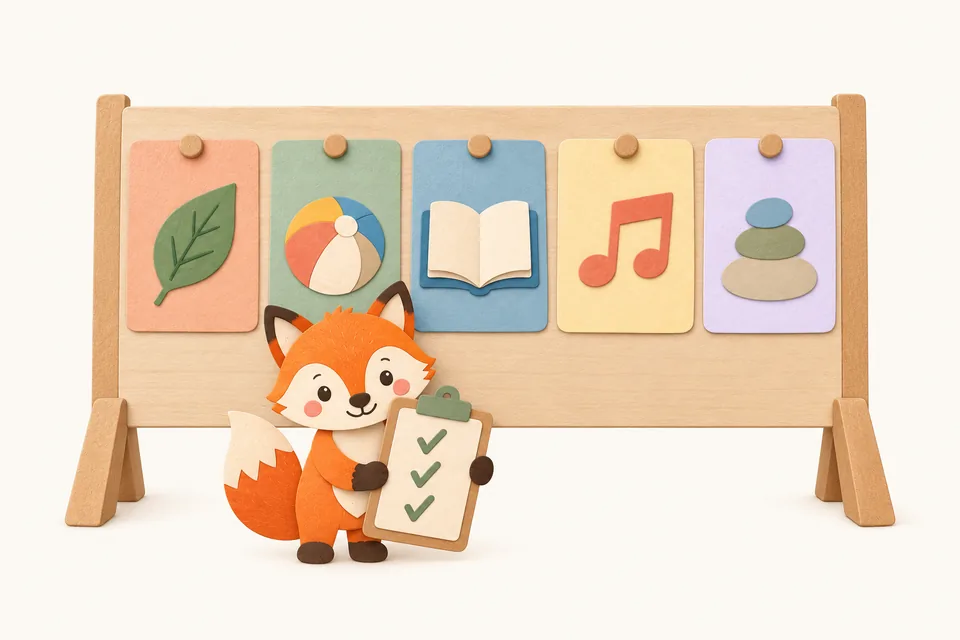
Printable preschool classroom labels and visual schedule cards work when they follow the real day: one picture card per routine block, posted top to bottom at child eye level, plus shelf labels with a photo and a word, center signs with a set number of spots, and a helper chart that rotates names. Print on cardstock, laminate, and test readability from the rug.
Picture cards, shelf labels, center signs, and a helper chart answer “what's next?” and “where does this go?” before a child has to ask. Size and place printable preschool classroom labels and visual schedule cards for ages 2–5 so every child can see them from the rug. Start with the few pieces children touch daily, and keep the rest off the wall.
Most children this age cannot tell time or read a written list. They can match a picture to what comes next. When the cards follow the real order of your day and you point to them at every transition, children start checking the strip themselves instead of asking you.
Four details decide whether a schedule gets used:
The card counts below are starting points; adjust them to the length of your program day. For the full Monday–Friday timetable behind the strip, see the Pre-K and TK weekly schedule.
| Age group | Cards on display | Picture style |
|---|---|---|
| Toddlers (2–3 yrs) | Three or four at a time, such as arrival, play, snack, outside | Real photos of your own room and objects |
| Preschool (3–4 yrs) | The main blocks of the day, roughly five to seven | Photo or simple drawing with the word underneath |
| Pre-K / TK (4–5 yrs) | The full day, plus a card for special days | Drawing with the word underneath |
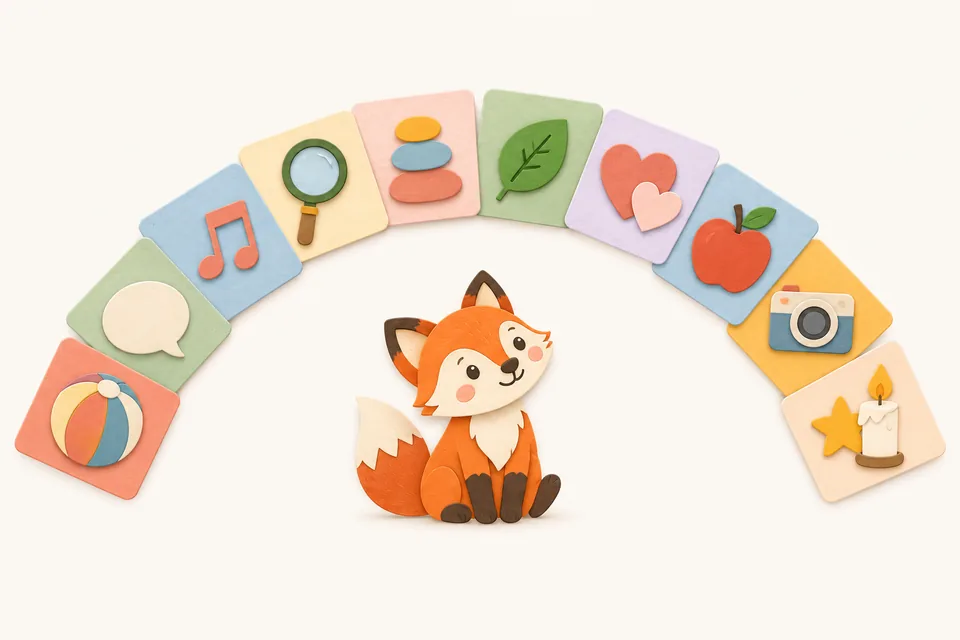
Start from the day you actually run.
At each transition, the helper of the day turns the finished card around in its pocket. Pair the turn with a short song; the guide to transition songs and attention getters has ideas.
Label what children touch and use every day. A room where every object carries a word tends to fade into the background, so start small.
Children ages 2–3 often put things in their mouths, so skip loose small fasteners, small magnets, and push pins within reach. The federal small-parts rule (16 CFR 1501) defines choking hazards for toys and articles meant for children under 3, and it is a sensible yardstick for anything on a toddler-height wall. A wall-mounted pocket chart keeps small pieces off the floor. With ages 3 and up, offer small loose pieces only with an adult nearby.
Before you cover a wall or door, check your state licensing rules and your program's guidance on how much may be posted. Post allergy or health information only as your program's policy allows.
A center sign carries a picture, the center's name, and a visible number of spots, shown as hooks, pockets, or outlined shapes. Set that number by how many children the area holds comfortably with an adult able to see all of them, and check your state licensing rules if they cover space in your program. In a toddler room, about two or three spots per center with a photo of the area keeps things manageable; the guide to community helpers play for toddlers shows centers set up for ages 2–3.
To choose a center, each child moves a name card from the pocket by the door to a free spot on that sign. When every spot is filled, the center is full, and the child picks another sign or waits for a spot to open. At clean-up, name cards go back to the pocket.
A helper chart pairs each job picture with a name card in a pocket beside it. Pick jobs the room really needs, such as door holder, snack helper, plant waterer, and line leader. Give some jobs two spots if you have more children than jobs. At the end of each day, move every name to the next job and the last name to the top. Never use a turn as a reward or take one away as a consequence.
For what to put in each center, see Head Start ELOF aligned preschool activities; to check the whole setup against developmentally appropriate practice, use the NAEYC DAP checklist for preschool and Pre-K. NAEYC's own position statement on developmentally appropriate practice covers children from birth through age 8.
Cards, signs, and charts show children the day. The weekly plan behind them decides which centers are open and what a substitute needs to know. The PreschoolFox app for iOS & Android covers that planning side:
A posted visual schedule shows a substitute the order of the day at a glance, and the handover sheet puts the same routine on paper. For the planning method itself, see how to write a preschool weekly lesson plan, the weekly lesson plan template for preschool, and mapping preschool lessons to Head Start ELOF domains.
The homepage has three free examples from the app and a tool that builds a sample preschool week in 10 seconds. All prices are in US dollars. The paid plans are:
Annual and Monthly Plans cover one teacher. A Center License lets teachers share weekly lesson plans and favorite activities and print substitute handover sheets. You buy the Annual or Monthly Plan inside the PreschoolFox app through the App Store or Google Play. Plans renew automatically unless canceled, and canceling or asking for a refund works through your Apple or Google subscription settings. Directors can read more under For Centers, request a Center License quote at support@preschoolfox.com, or see the childcare center curriculum license guide. Teachers can start the 7-day trial on the Annual Plan.
Photos of your own room tend to work best for ages 2–3 because the picture matches what children see. Older preschoolers can follow simple drawings with the word underneath. Use one style across the whole strip, and photograph places and objects. Use children's faces only if your program's photo permissions cover it.
Show the change before it happens. At Circle Time, point to the card that will be replaced and put a card with a question mark in its slot. Say in one short sentence what happens instead, and keep the rest of the strip in its usual order so the day still feels predictable.
It can, under two conditions: hang the strip at the eye level of your youngest child, and put both a picture and a word on every card. Younger children follow the photos while older ones start to read the words. Let an older child be the helper who turns the cards.
Check the setup first. Cards too small to read from the rug, a strip hung too high, too many cards, and use on only some days are common causes. Point to the current card at every transition, and let the helper of the day turn the cards so children have a reason to look.
For a whole-group schedule strip, cards about 4 × 6 inches (postcard size) are a workable start, because children read them from the rug several feet away. Shelf and bin labels can be smaller, around 2 × 3 inches, since children look at them up close. Print one test card and check it from the farthest seat before you print the set.
Often, yes: a small individual visual schedule or a first-then board (one card for the task, one for what comes after) helps many children who find transitions hard. Use the same pictures as the class strip, keep it where the child works, and coordinate with the family and any IEP or IFSP team.
Writing a preschool weekly lesson plan in 5 minutes is realistic once the parts of your week that repeat are fixed and you only choose…
A preschool weekly lesson plan template gathers that pile onto one page you can read at a glance.

Mapping preschool lessons to Head Start ELOF domains sounds like paperwork until you see how little it asks of a normal day.
It's Sunday night, last week's sticky notes are still curling on the cubby shelf, and you're wondering whether your room matches what…
Plan the week behind your schedule strip in the PreschoolFox app: start your 7-day free trial on the Annual Plan, then $79.00 / year (just $6.58 / month). Cancel before the end of day 7 and you won't pay a cent.
In-app purchase. Annual Plan: 7-day free trial, then $79/yr ($6.58/month billed annually). Monthly Plan: $9.90/month, no free trial.