Movement
Movement Stories for Indoor Recess
Interactive movement stories for preschool indoor recess give children a reason to move and listen at the same time, using floor space you…
In a movement story, you narrate and children act it out with their whole bodies, so they move and respond to your voice. Screen time asks them to watch, usually while sitting. Movement stories fit transitions and rainy-day energy; a screen needs a clear purpose, a time limit, and a check against your program's policy and state licensing rules.
It's a rainy Tuesday, the rug is restless, and someone suggests putting on a video. The choice of interactive movement stories vs screen time in preschool comes down to what the next stretch of your day should ask of children's bodies and of you. Both can fit a classroom of 2–5-year-olds, and a movement story works best with a cleared floor and an adult close by.
Both options can fill a gap in the day, but they give children very different jobs. The useful question is what a 3-year-old gets to do for the next stretch: move and take turns, or watch and listen. The Head Start ELOF describes development from birth to five in five central domains. A movement story can draw on Language & Literacy and on Perceptual, Motor & Physical Development at once, and on Social-Emotional Development when children share space and wait for a cue.
| Question | Interactive movement story | Screen time |
|---|---|---|
| What do children do? | Move, listen, make sounds, and act out each cue | Watch and listen, usually seated |
| What do you do? | Narrate, model actions, and read the room as you go | Pick the content, start it, and supervise |
| Can you adjust on the fly? | Yes: slow down, repeat a cue, or add a seated version | Hardly, once the video is playing |
| What does it need? | A cleared floor and your voice | A device, previewed content, and your program's policy |
| How does the group feel afterward? | Energy goes up, so end with a calm cue | Children are still, though ending the clip can bring protests |
A short, well-chosen clip can show a fire truck you can't bring into the room. What sets the two apart is who does the work. In a movement story, children's own bodies and voices carry it, and you can slow down, repeat a cue, or cut it short when the group drifts. A video that is already playing keeps going whatever the room is doing. Movement also counts toward a daily target: the HHS Physical Activity Guidelines suggest children ages 3–5 stay active throughout the day, with about 3 hours of activity of all intensities as a reasonable goal.

A screen earns its place when it shows something you can't bring into the room: a close-up of a butterfly hatching for the science center, or a video call with a community helper who can't visit in person. Preview the content first, sit with the children, and talk about what you see together.
The American Academy of Pediatrics advises limiting screen use for children ages 2–5 to about 1 hour a day of high-quality programming, ideally watched together with an adult (summarized by KidsHealth from Nemours). That hour covers the whole day, so classroom screen minutes add to whatever children watch at home. Many programs add a written policy of their own, and state licensing rules for childcare may address screen use too. Check your program's policy and your state licensing rules instead of guessing.
The riskiest use is the default one: the schedule falls apart at 2:30, the room gets loud, and the screen comes on. Decide ahead of time what you'll do instead. A movement story needs little beyond a cleared floor, and the guide to interactive movement stories for preschool indoor recess is written for exactly those days. In the PreschoolFox app, Substitute & Low-Prep SOS Mode gives you instant, zero-prep daily backup plans using materials already on your shelves.
Set up before children sit down. Make sure the floor is dry and clear of chairs, toys, and cords. Give each child a spot, such as a carpet square or a tape X, about an arm's length from the next child in every direction. Check footwear for your floor, since plain socks can slip on smooth flooring.
Teach two signals as a game before the story begins: a freeze cue (a raised hand or a soft chime) and a calm cue (hands on belly, one slow breath). Practice each once or twice first, so stopping is already familiar when the story starts.
Build the story from short beats, each one an action children can do in place. For example, it's a snowy morning and the class walks to the mailbox: children march in place, hug themselves and shiver when the wind blows, brush snow off their sleeves, then stretch tall to reach the mailbox. Pause after each beat so children can finish and glance at you, and drop a beat that loses the group. Keep every action in place, with no running and no jumping off furniture. If children keep moving after the freeze cue, wait, repeat the cue, and pick up again from the last beat. Nobody wins or scores; the story ends after the last beat, followed by the calm cue.
For Toddlers (2–3 yrs), repeat one or two simple actions, keep the story short, skip props, and join in yourself. For Pre-K / TK (4–5 yrs), try longer sequences. Offer a seated version of every cue so children who need to sit can still join in. The number of adults you need and the size of the group depend on your state licensing rules.
When a screen crosses your mind, you usually need one of two things: somewhere for extra energy to go or a way to settle the room.
These guides each give you a movement option that needs no device: parachute games for preschool gross motor development, beanbag and scarf games for toddlers, and indoor gross motor obstacle course ideas. Whichever you pick, clear the floor first and stay close.
After a movement story, quieter hands-on work often fits well: loose parts play with recycled classroom items, a playdough recipe and fine motor invitation, or a low-prep sensory bin. With loose parts and sensory bins, keep anything small enough to swallow away from Toddlers (2–3 yrs). From age 3, offer small parts only with an adult close by. If a material is food-based, ask families about allergies first.
Give movement stories a fixed slot so they don't depend on a rough day. Common slots are right before Circle Time, when the group is restless, and on rainy days when outdoor play is canceled. If the wiggles show up during Circle Time itself, see the guide on keeping 3-year-olds engaged in Circle Time. Write the slot on your weekly grid, and write planned screen use in the same place, so you can see the whole week at a glance.
In the PreschoolFox app, the Weekly Planner lets you plan your day, week, and inquiry unit at your own pace. The Auto Weekly Builder can assemble a balanced Monday–Friday schedule with a supply checklist, printable wall grid, and family newsletter. One of the one-tap weekly templates is a Rainy Indoor Recess Week, and the printable classroom PDFs include a Weekly Lesson Plan Grid and a Learning Center Rotation Board.
After a story, jot a few bullet points: who copied the actions, who led a cue, who chose the seated version. ELOF / TS GOLD Anecdotal Observations & Portfolios turns quick bullet points into strengths-based anecdotal observation notes and learning stories. PreschoolFox is aligned with Head Start ELOF, NAEYC DAP & TS GOLD / DRDP.
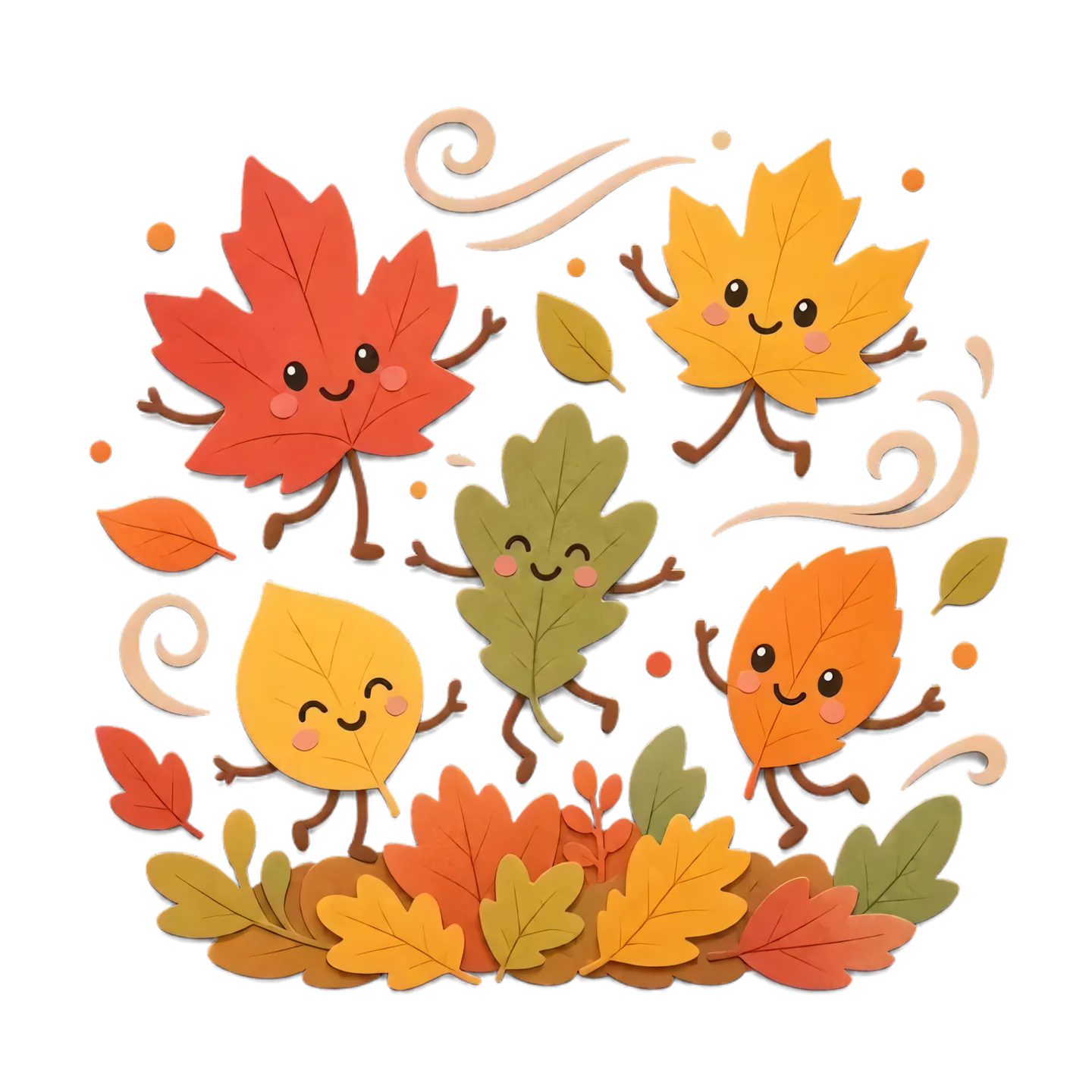
Three real examples from the app sit on the PreschoolFox homepage, with no sign-up required. One is the start of an interactive movement story, “The Swirling Autumn Leaf Dance” (2–5 yrs). The other two are a Circle Time plan and a Gross Motor & Regulation activity. Reading the story opening is a quick way to judge whether the cue style suits your group. The app's movement stories are sorted into categories such as Animals & Nature and Seasons & Weather, so you can match a story to your current theme.
The same page has a preview that builds a sample preschool week in 10 seconds: pick an age group and a theme to preview a complete 30-minute Circle Time plan and a balanced 5-day schedule. Beyond those two previews, the Annual Plan starts with a 7-day free trial, and everything in the app is included in every plan.
A binding limit usually comes from your state licensing rules or your program's written policy, so check both and ask your director. As a benchmark, the American Academy of Pediatrics suggests about 1 hour a day of high-quality programming for children ages 2–5, counted across home and school together. Writing planned screen use on your weekly grid keeps the total visible.
Yes, with adjustments. In a small room, keep every action in place, use seated versions, or lead a smaller group at a time while a co-teacher supervises the others. In a Mixed-Age room (2–5 yrs), the youngest children can repeat one simple action while older children add a second step.
Let the child watch from a spot at the edge, offer the seated version, or give a job such as ringing the chime for the calm cue. Many children join in later once they have seen how it goes. If a child avoids it day after day, note what you see and talk with the family and your director.
Plan on roughly 3–5 minutes for Toddlers (2–3 yrs) and about 5–10 minutes for Pre-K / TK (4–5 yrs). The free sample story on the PreschoolFox homepage runs 7 minutes for 2–5 yrs. Watch the group and end while most children are still joining in. Dropping a beat is better than dragging the story out.
The Annual Plan is $79.00 / year (just $6.58 / month) and starts with a 7-day free trial. The Monthly Plan is $9.90 / month with no free trial. You buy both plans in the PreschoolFox app, and refunds and cancellations go through the App Store or Google Play. The Center License is $249.00 / year for up to 15 teachers; email support@preschoolfox.com for a quote.
Yes. Each of the 39 interactive movement stories in the PreschoolFox app comes as an illustrated printable PDF guide you can download, or you can lead it live from step-by-step cue cards or use the read-aloud. If you want to try one first, the opening of “The Swirling Autumn Leaf Dance” is on the PreschoolFox homepage with no sign-up.
Interactive movement stories for preschool indoor recess give children a reason to move and listen at the same time, using floor space you…
The parachute stays in the closet because nobody wants to work out the rules on a Sunday night.
Toddlers want to toss and wave everything in reach, and a basket of beanbags plus a bin of scarves gives that energy a place to go. Five…
Three straight days of pouring rain or freezing wind can turn any preschool classroom into a room full of wiggling bodies and tipped-over…
Start your 7-day free trial of the Annual Plan, then $79.00 / year · just $6.58 / month. Cancel before the end of day 7 and you won't pay a cent.
In-app purchase. Annual Plan: 7-day free trial, then $79/yr ($6.58/month billed annually). Monthly Plan: $9.90/month, no free trial.