
Sub plans & licenses
Using QRIS Grant Funds for Curriculum Apps
The grant letter is on the table, a sticky note says 'curriculum app?', and it is Sunday night.
Most centers follow one pattern for how childcare directors standardize lesson plans across rooms: they share the frame and leave the activities to teachers. Every room plans on one template and tags activities to the same learning domains, such as the five Head Start ELOF domains, while teachers pick activities for their age group. A fixed due day and a short review checklist keep plans consistent without the director rewriting them.
One room plans on sticky notes, another in a binder, and by Monday nobody can say what the Toddler room and the Pre-K room are working on. Centers that fix this share the frame of the plan (one format, one weekly rhythm) and leave the activities to each teacher. A substitute can then pick up any room's plan and know where to look.
Standardizing works when you separate the frame of a plan from its content. The frame is what a director, a co-teacher, or a substitute needs to find in the same place in every room. The content is what the children in front of a teacher need this week, and it should look different in a Toddler room (2–3 yrs) than in a Pre-K / TK room (4–5 yrs).
| Same in every room | Up to each teacher |
|---|---|
| The planning template and where it is stored | What goes into each field |
| Order of the main blocks: arrival, Circle Time, Learning Centers, outdoor time | How long each block runs for the age group |
| Weekly theme or inquiry unit | How the theme shows up for the room's age band |
| Names of the Learning Centers and the rotation board | Which centers are open and what is on the shelves |
| One transition signal, such as a clean-up song | Songs and fingerplays for Circle Time |
| ELOF domain tags on the weekly plan | The activities that cover each domain |
A shared transition signal also helps float teachers and children who visit another room.
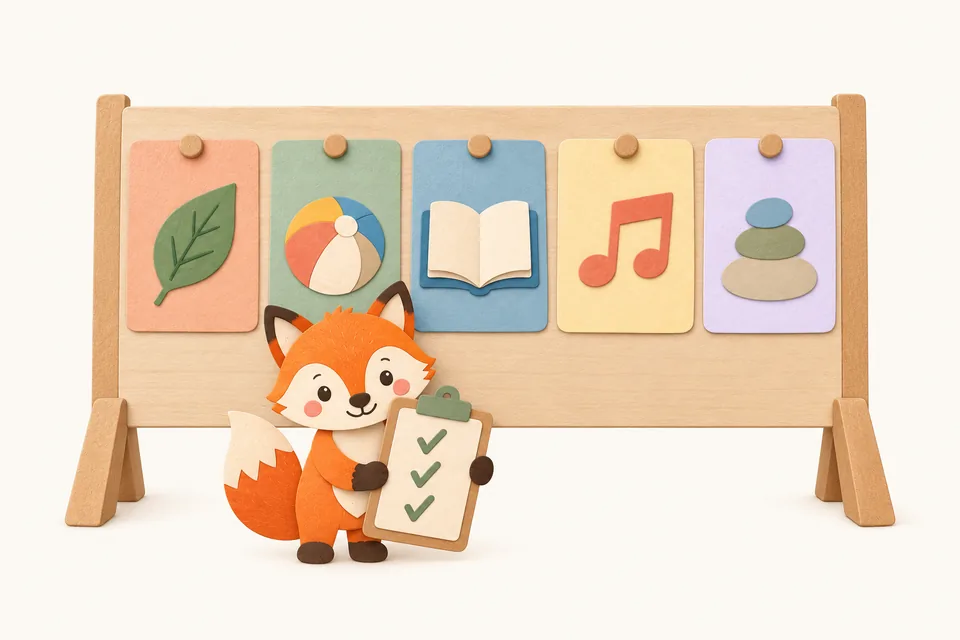
Keep it to one page per week, because every extra field is one more that somebody leaves empty by Wednesday. A workable page holds these fields:
The differentiation line is where rooms differ. Take a leaf theme. Toddlers (2–3 yrs) carry large leaves in baskets and sort them into two piles with an adult close by, since toddlers mouth things. Preschoolers (3–4 yrs) make leaf rubbings with crayons and name the colors. Pre-K / TK children (4–5 yrs) sort by size, keep a tally, and tell a partner how they sorted. Collect the leaves yourself and skip any plant you cannot identify.
In a Mixed-Age room (2–5 yrs), write all three lines into one plan instead of keeping three plans. For how the daily blocks can look in older rooms, see the Pre-K and TK weekly schedule guide. If teachers plan on paper, print the template as a one-page PDF. The Weekly Lesson Plan Grid and the Learning Center Rotation Board are two of the 13 printable classroom PDFs in PreschoolFox.
A shared template makes alignment something you can check. The Head Start Early Learning Outcomes Framework (ELOF) on HeadStart.gov covers birth to five and has five central domains: Approaches to Learning, Social-Emotional Development, Language & Literacy, Cognition/STEM, and Perceptual, Motor & Physical Development. Add one row where teachers tag the week's activities with those domains. For activity ideas sorted by domain, see our guide to Head Start ELOF aligned preschool activities. At review, a director can see quickly if a room spent the week on art and music with no language or motor work.
NAEYC's position statement on developmentally appropriate practice (DAP), which covers children from birth through age 8, is the reason the template asks for a differentiation line: activities should fit the age group and the individual child.
If your program assesses with TS GOLD or DRDP, give each week an observation focus tagged to the same domains. Teachers then jot anecdotal notes during centers and outdoor play, and the notes match what the plan said you would be watching. Notes record what a child did and said; they do not diagnose.
PreschoolFox is aligned with Head Start ELOF, NAEYC DAP & TS GOLD / DRDP. Its Activity & Center Library filters by age group, prep time, setting (classroom / playground), and ELOF domain, and each activity includes Toddler/Pre-K differentiation.
Choose one due day and one reviewer, usually the director or an assistant director. Teachers submit on the due day, and the reviewer reads each plan against a short checklist:
Leave comments beside the plan instead of editing it. If a director rewrites plans week after week, teachers may stop treating them as their own.
Typical mistakes are a template that grows past one page, identical activities in every room (a Pre-K worksheet in the Toddler room), a format that changes every month, and reviews that catch errors but never say what worked. If you can, schedule some planning time during the work week so the template is not a Sunday-night chore. Check your state licensing rules for anything that must appear in written plans or posted schedules, and add it to the template once.
A substitute who arrives before the first child has no time to decode a teacher's shorthand. Standard plans pay off on those mornings, because every room keeps the same information in the same spot. Ask each room to keep one page current: the daily schedule, the usual transition cues, where supplies live, and safety notes such as allergies, following your center's own policies. Add a low-prep backup day built only from what is already on the room's shelves.
Store the pages where the director can reach them from home, since absences are often called in early. See also our guides on emergency preschool sub plans with no prep, managing a short-staffed preschool classroom, and onboarding new assistant teachers and floaters.
In PreschoolFox, the Substitute Teacher Handover Sheet is a clean one-page daily overview with routine, schedule, and safety notes. Substitute & Low-Prep SOS Mode gives instant, zero-prep daily backup plans using materials already on your shelves.
Many centers start with what they already have. A binder per room keeps plans on the shelf, but there is one copy and the director has to walk in to read it. A shared drive with one folder per room fixes that if every teacher saves into the same structure and names files by the week's start date. A spreadsheet suits the weekly grid, while supply lists and notes tend to drift into a second file.
An app makes sense when access is the weak point: one place for every room's plan, with each teacher signed in separately. The Center License in the PreschoolFox app for iOS & Android lets teachers share weekly lesson plans and favorite activities across classrooms, and every teacher gets their own login. It costs $249.00 / year for up to 15 teachers (one Center Admin plus up to 14 invited educators), which works out to $16.60 per teacher per year with all seats filled. The Annual Plan ($79.00 / year) and the Monthly Plan ($9.90 / month) are for a single teacher.
More on the center setup is under For Centers. If you are weighing tools or funding, see the preschool teacher planning app comparison, the guide to a curriculum license for a childcare center, and the guide on using Quality Rated QRIS grant funds for curriculum apps. The three real examples on the homepage need no sign-up.
Not always. A shared theme helps when families get one newsletter and rooms share materials or outdoor time. A Toddler room (2–3 yrs) may stay with a theme longer, because toddlers gain from repeating experiences, and a Pre-K room may follow a child-led project. Let rooms deviate with a short note on the template so the director still knows what is happening.
Pick fixed points, such as the start of the program year and one mid-year check-in, and change the template then. Before each change, ask teachers which fields they left empty or filled in the same way every week. Those are the fields to cut or reword. Edits every month make teachers relearn the page and weaken the habit.
Hand over a finished plan from a colleague in the same age group along with the blank template, and walk through one week at a time. Pair the new teacher with a co-teacher for the first due day and give feedback in person the first time. Part-time and float teachers should know where plans are stored before their first shift.
No. The 7-day free trial is offered on the Annual Plan only ($79.00 / year, just $6.58 / month), which is a single-teacher plan, and you can cancel before the end of day 7 without paying. The Monthly Plan has no free trial. For a quote or questions about the Center License ($249.00 / year), email support@preschoolfox.com. Individual plans are bought in the PreschoolFox app, and you cancel or manage them in your App Store or Google Play subscription settings.
Yes, a one-page weekly grid that you print as a PDF works well for rooms that plan on paper. Put the shared fields in the same order for every room (theme, Circle Time focus, Learning Centers by day, differentiation lines, outdoor plan, supplies, and observation focus). In the PreschoolFox app, the Weekly Lesson Plan Grid and the Learning Center Rotation Board are among the 13 printable classroom PDFs.
The grant letter is on the table, a sticky note says 'curriculum app?', and it is Sunday night.
Emergency sub plans are written on a calm day, so on a sick morning you make one call and point to one folder.

Sticky notes on the fridge and a binder you left at school make Sunday planning a guessing game.
That paperwork is where buying a childcare center curriculum license can stall.
Start the 7-day free trial on the Annual Plan, then $79.00 / year · just $6.58 / month. Cancel before the end of day 7 and you won't pay a cent.
In-app purchase. Annual Plan: 7-day free trial, then $79/yr ($6.58/month billed annually). Monthly Plan: $9.90/month, no free trial.